Design your
dream home.
Upload a photo of your room. Pick a style. Get a photoreal redesign back in under fifteen seconds.


Loved by 324,397 homeowners, agents & designers
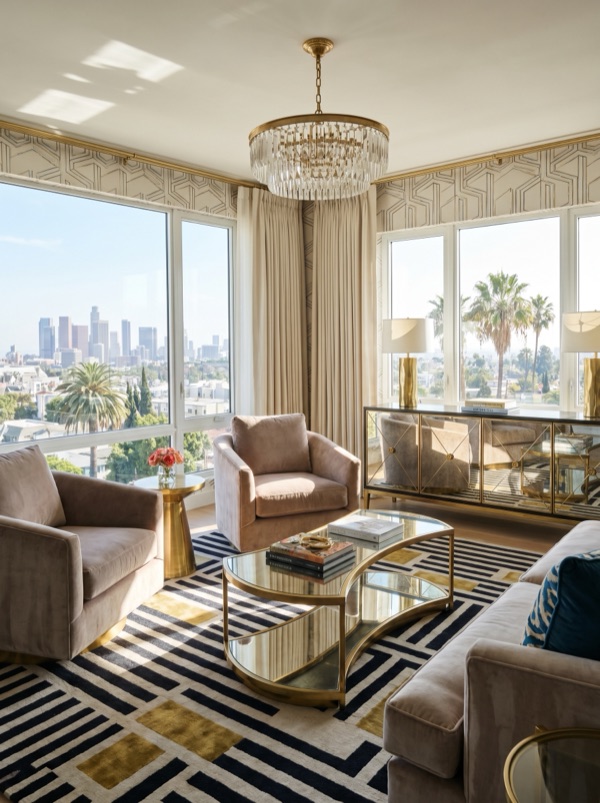
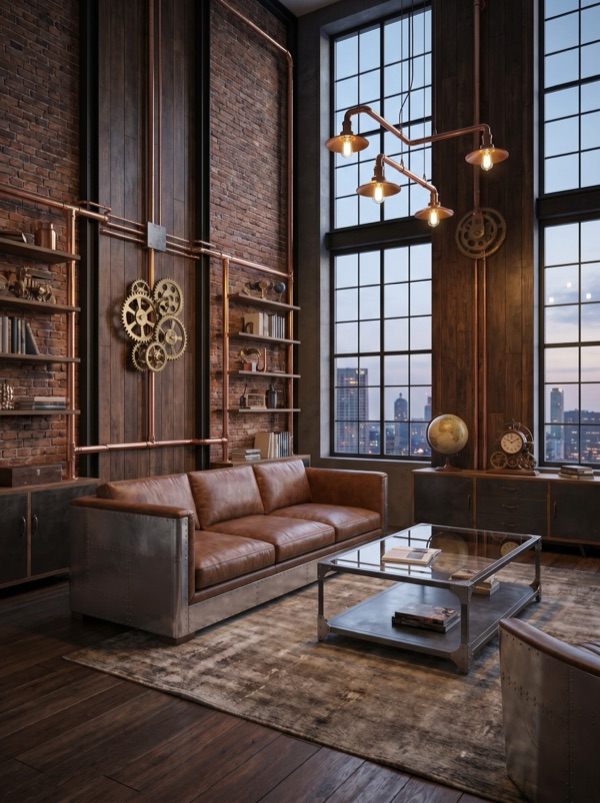
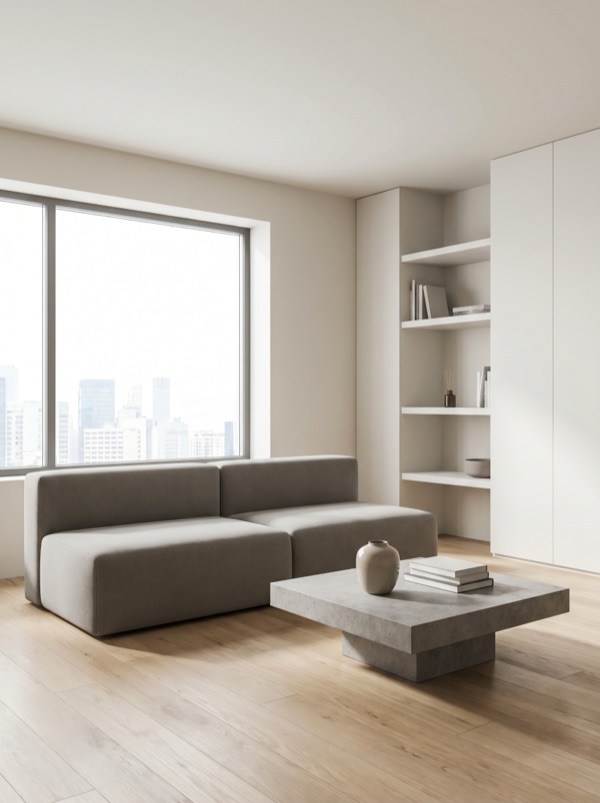
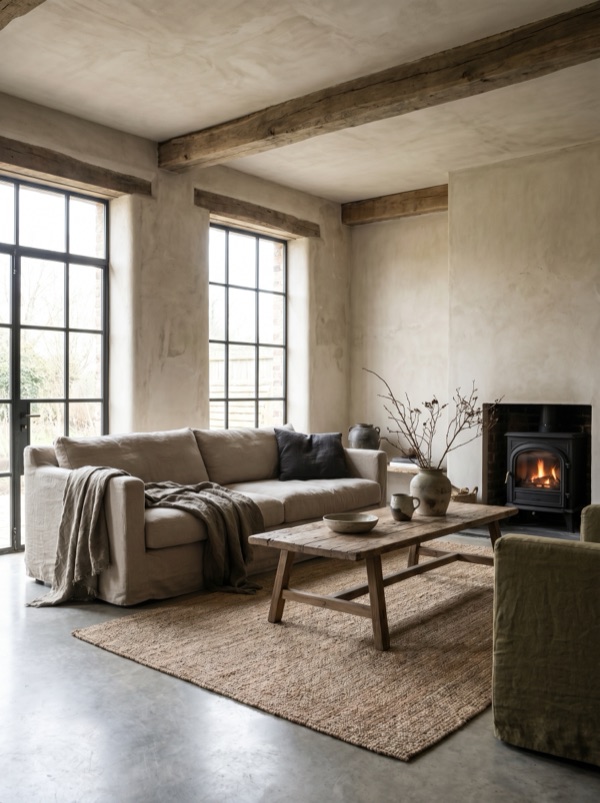
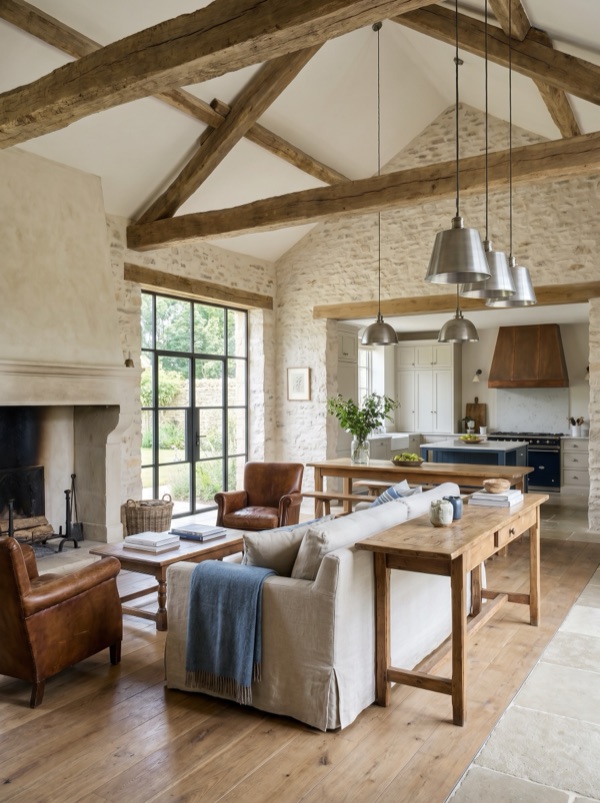
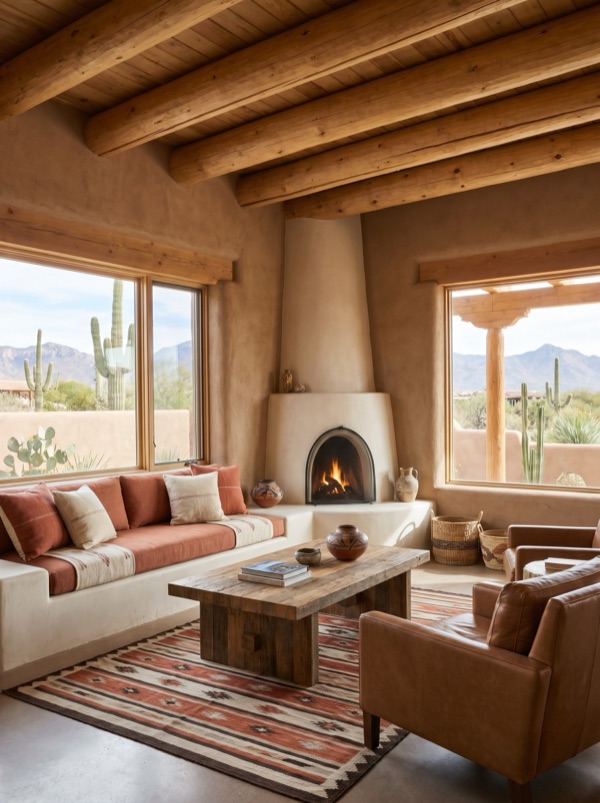
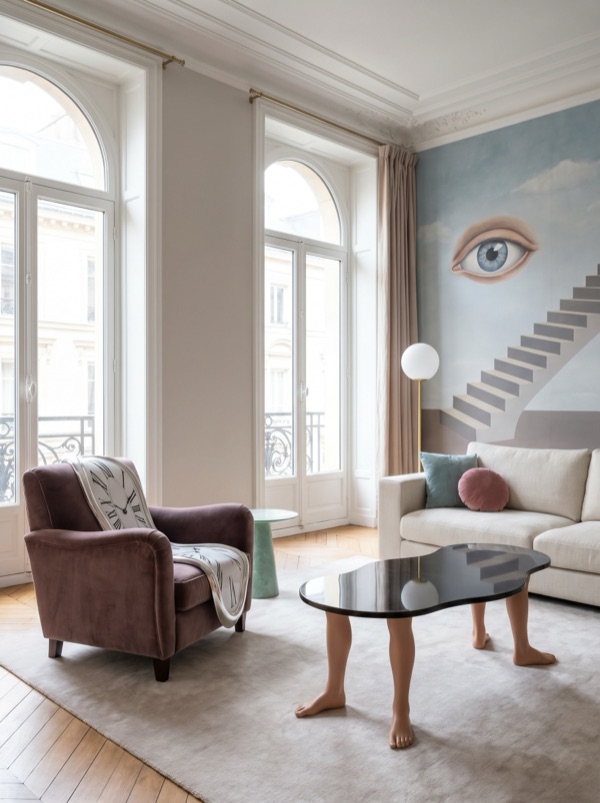
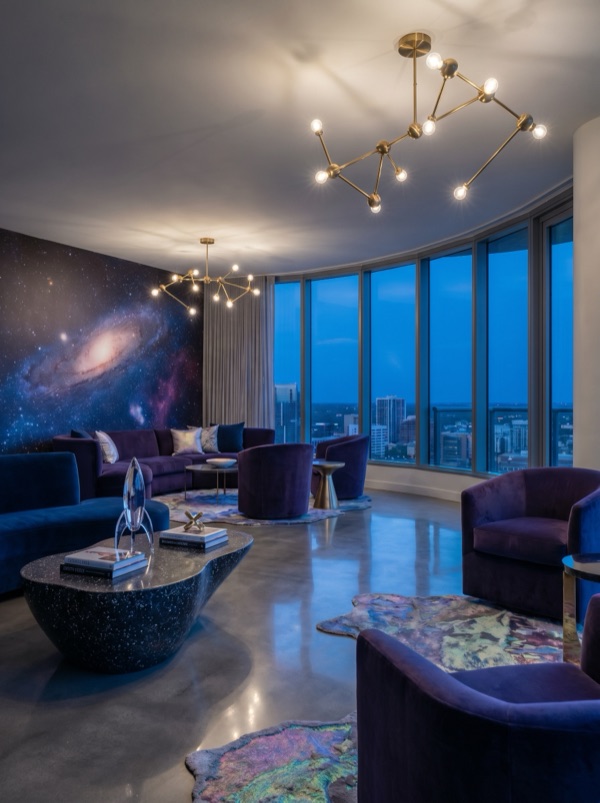
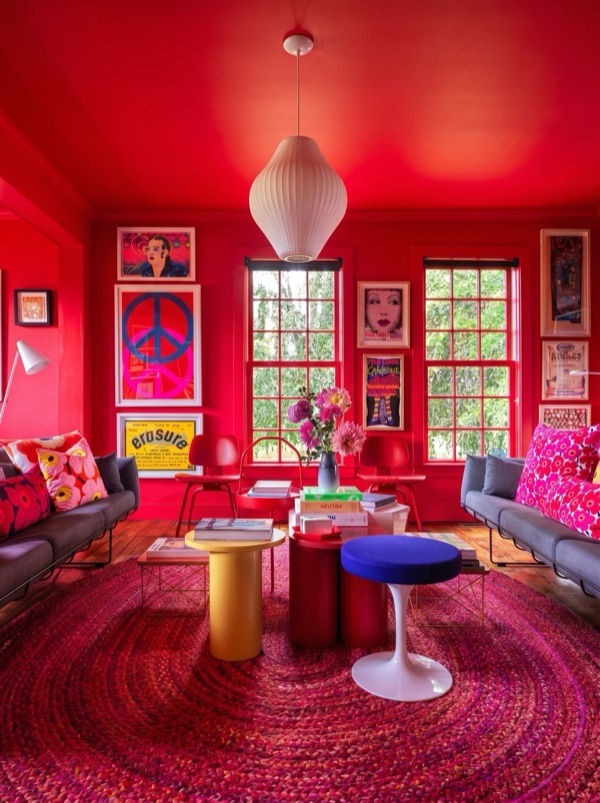
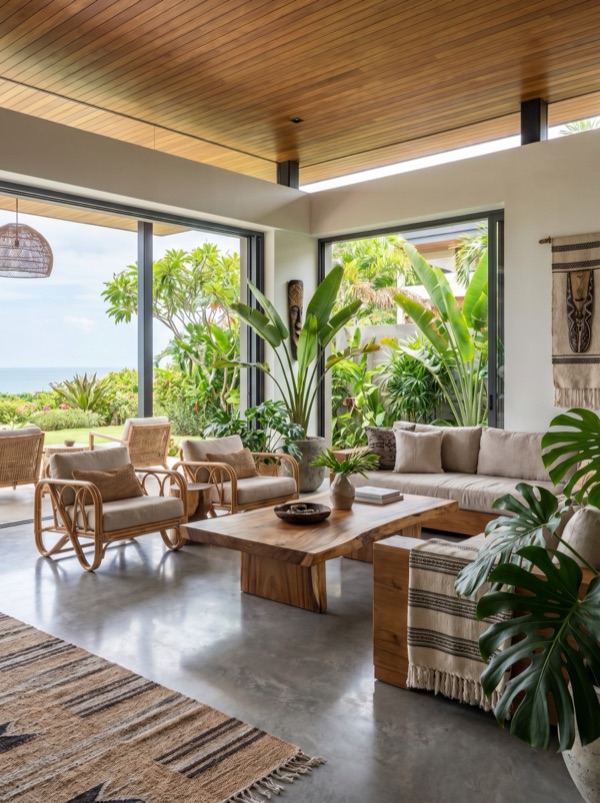
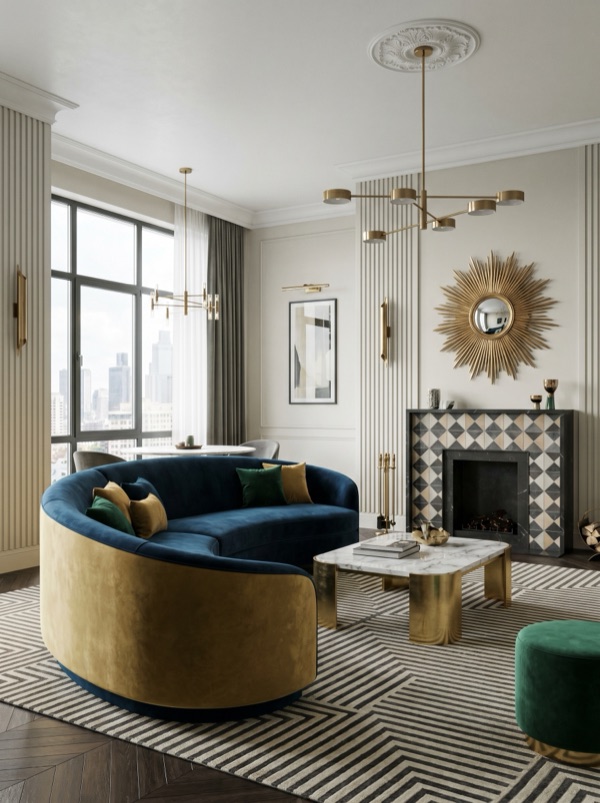
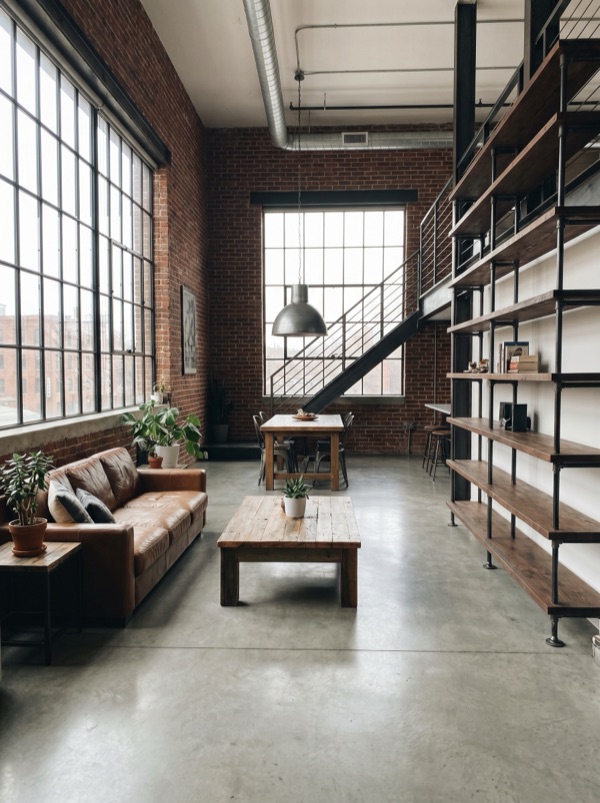
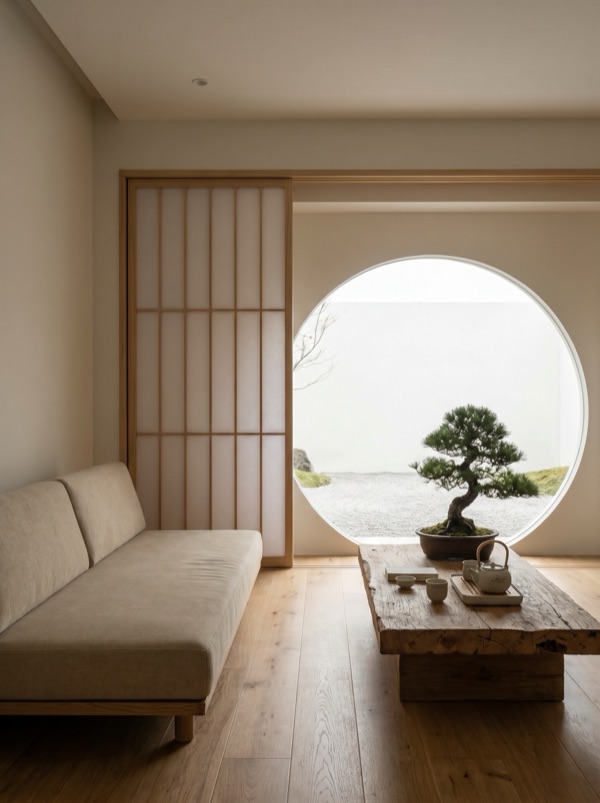
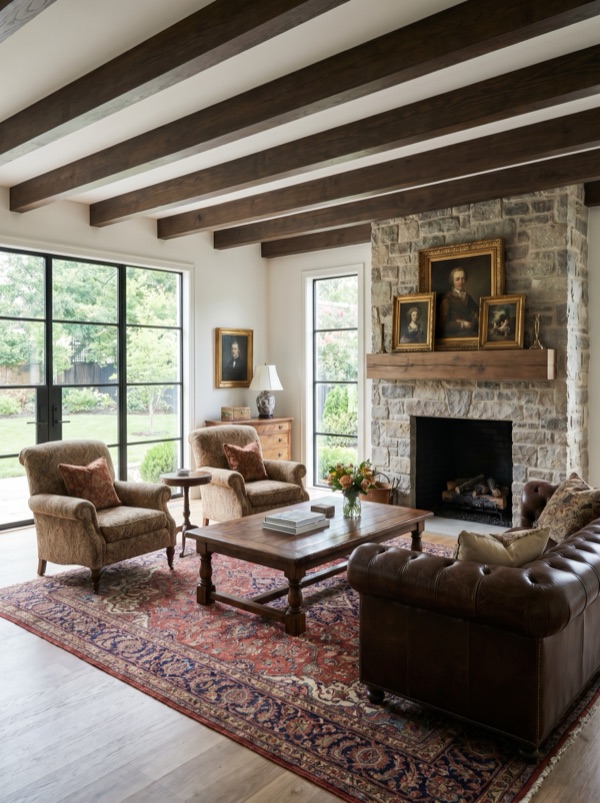
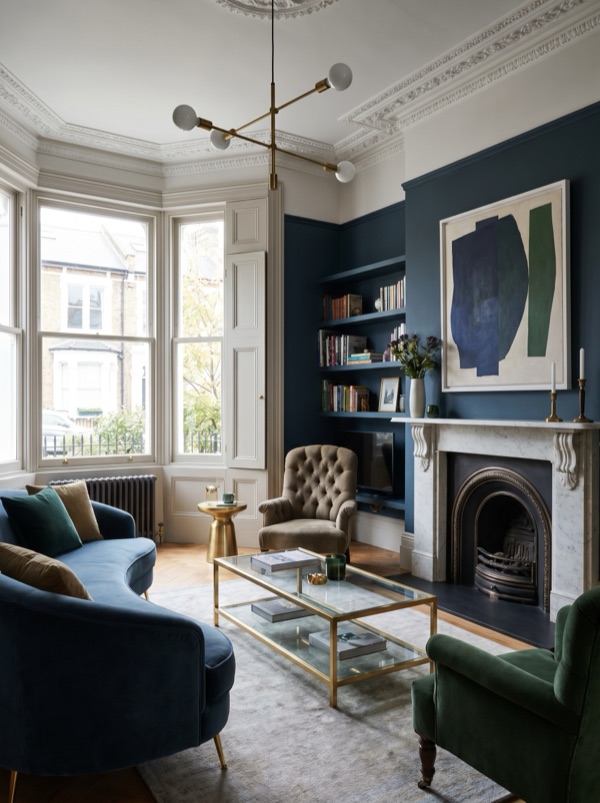
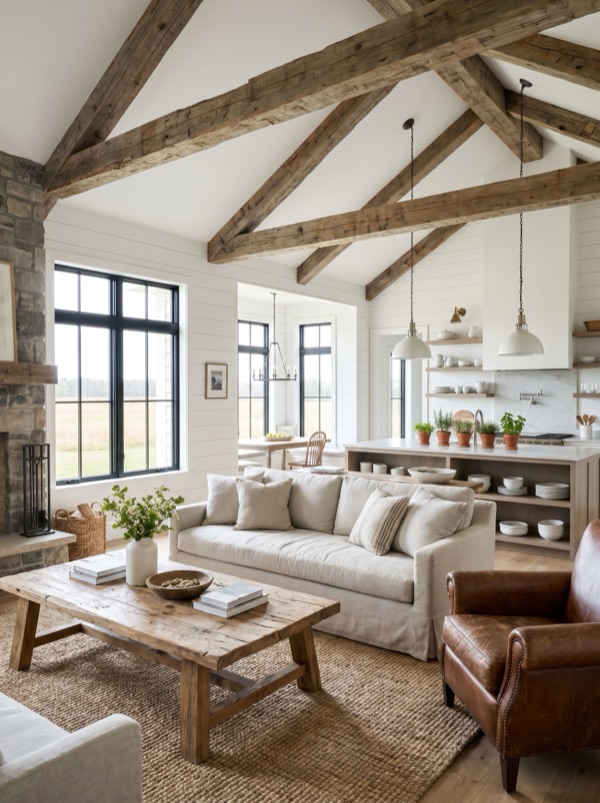
Transform your existing room.
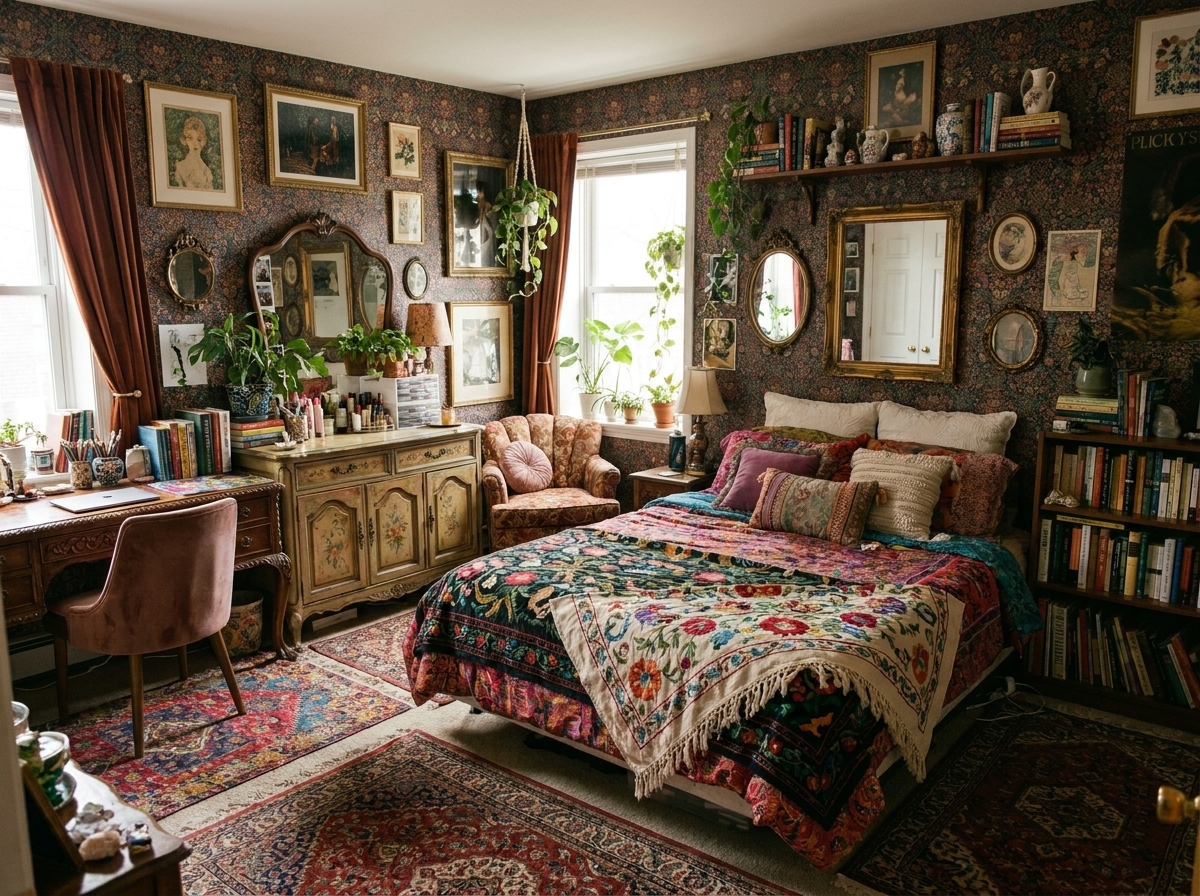
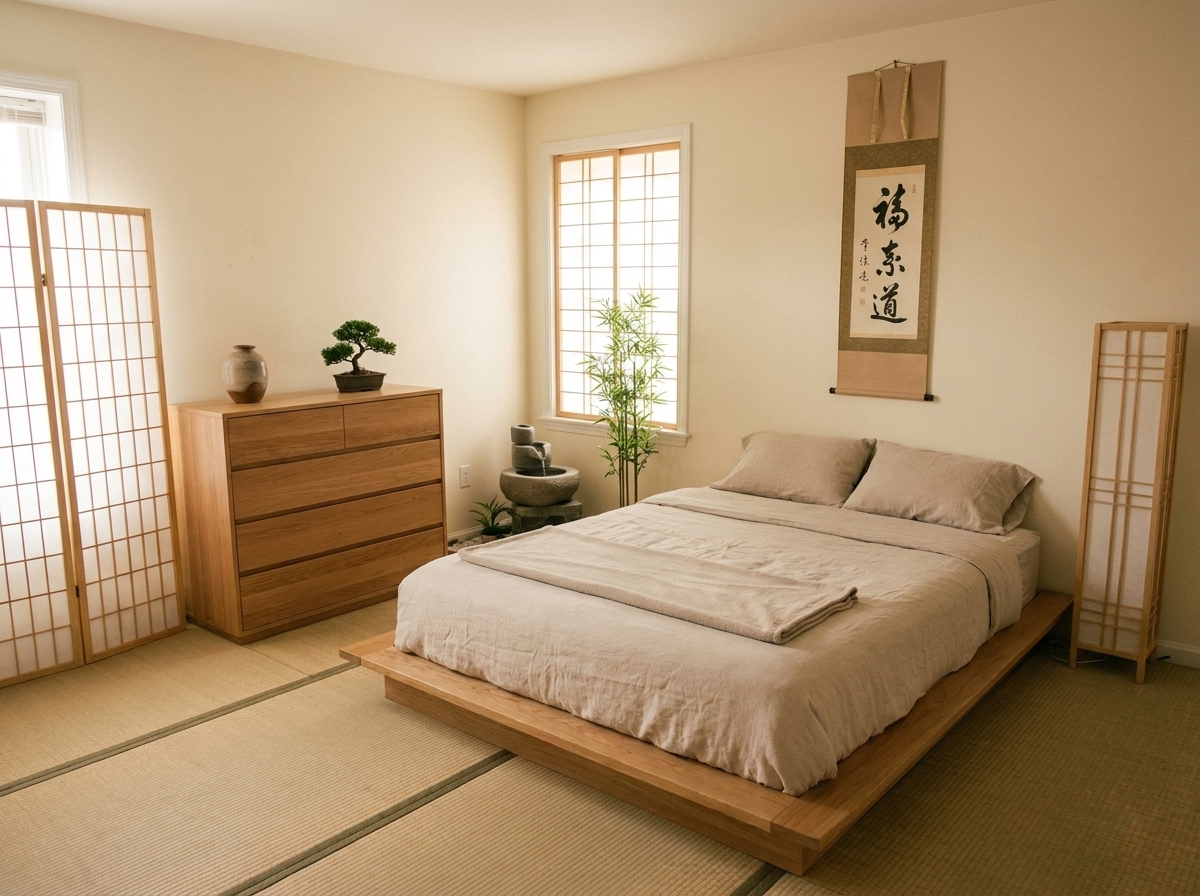
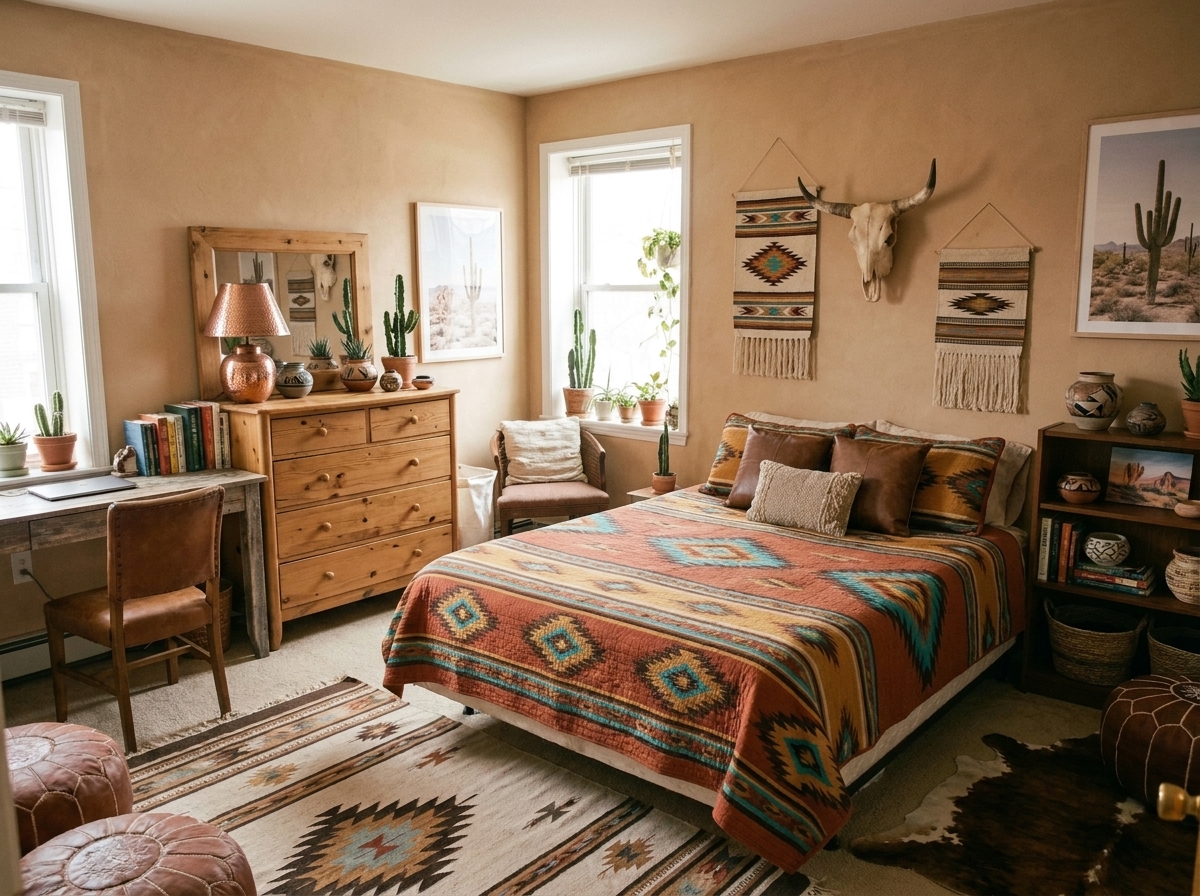
Photograph the room you've got. Pick a style. The walls stay; the furniture and palette change.
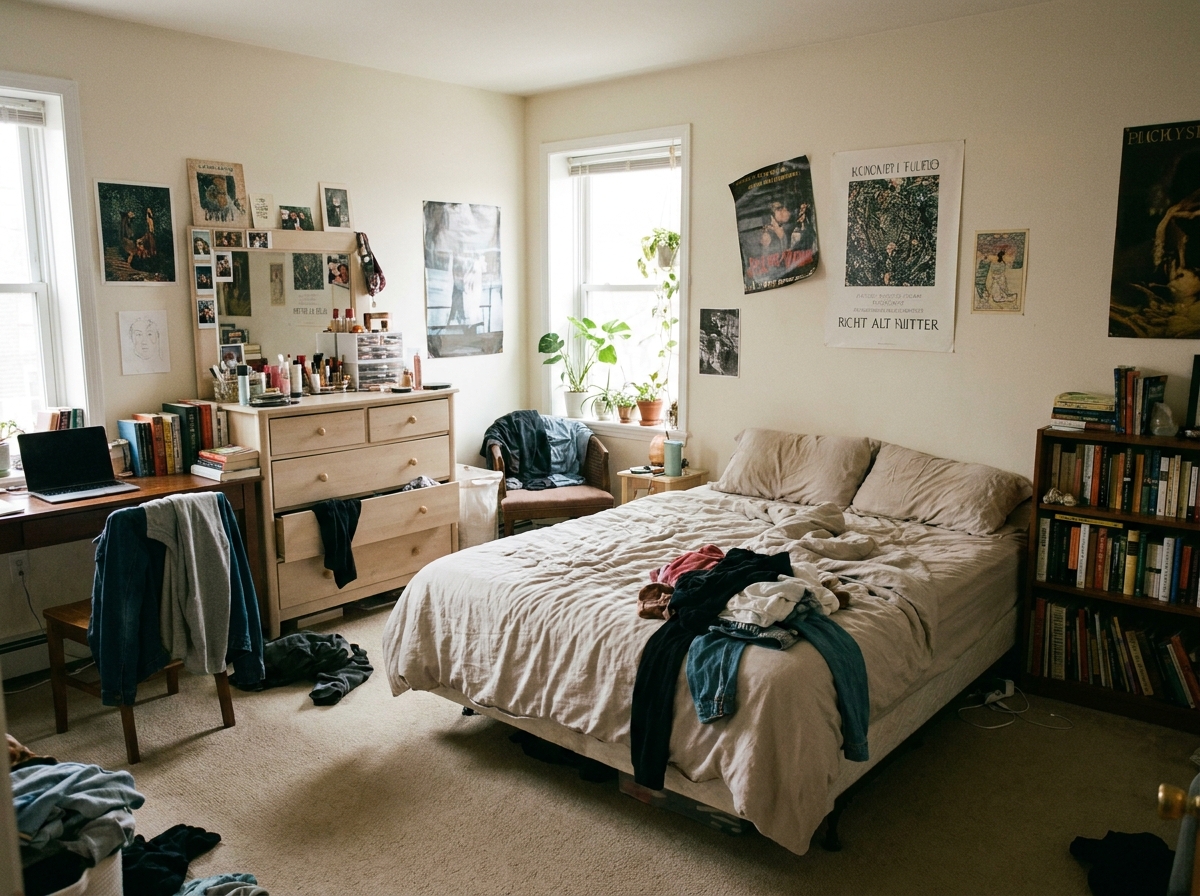
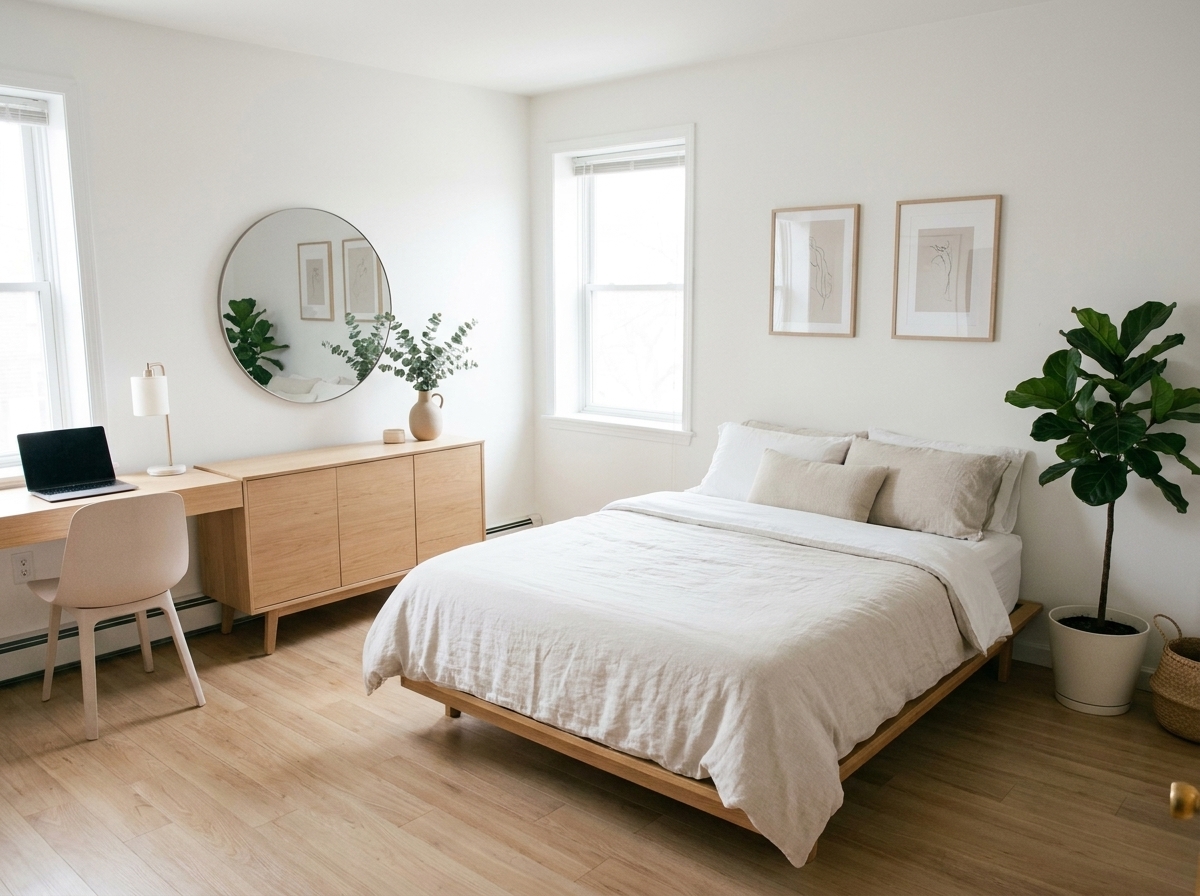
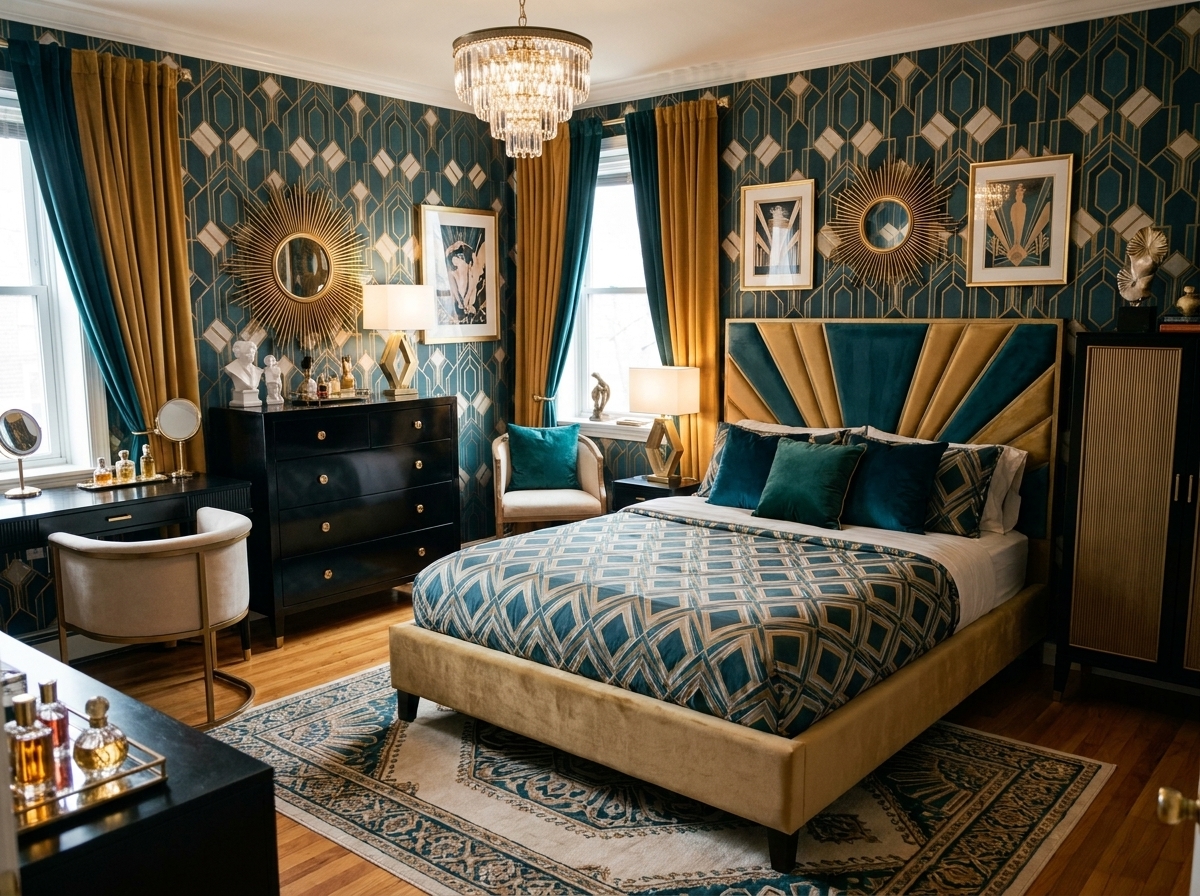
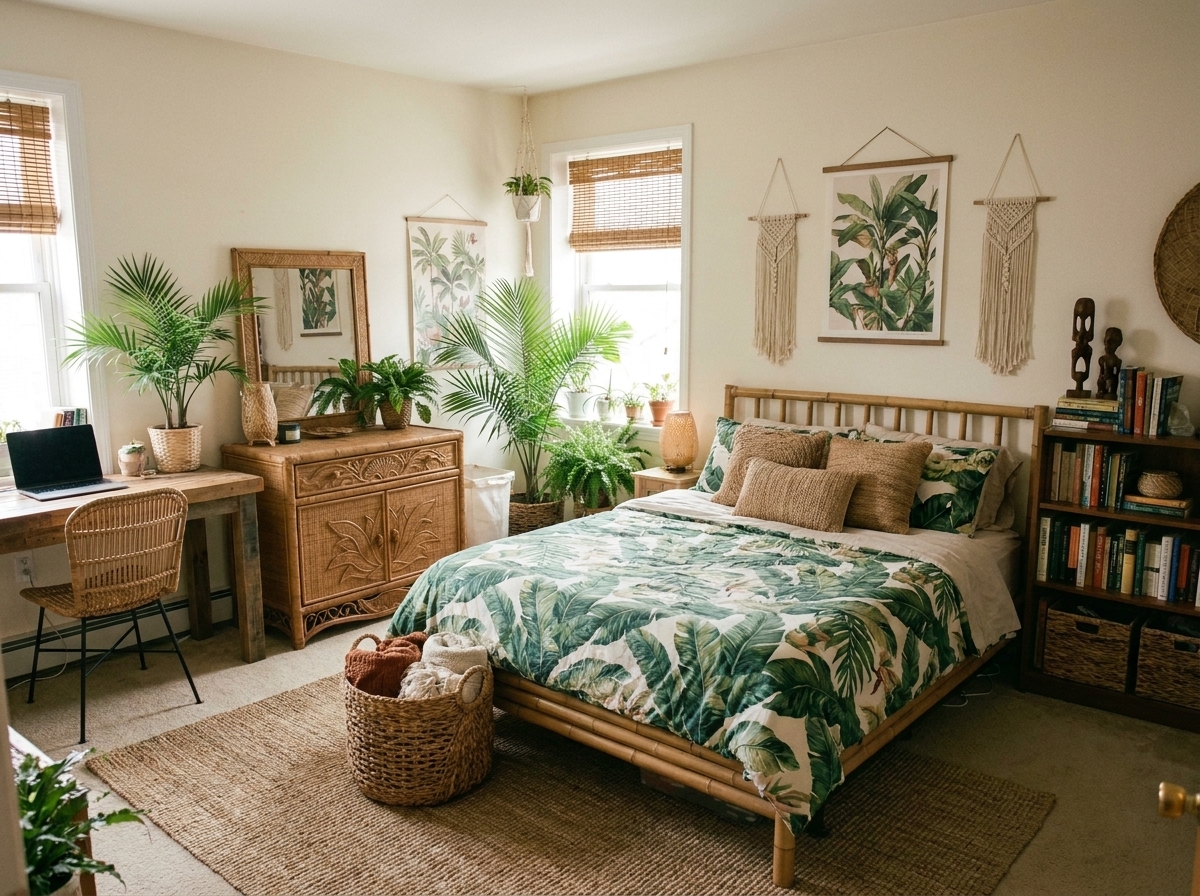
Design a new room from scratch.
Describe the room you want. A dozen photoreal options come back in seconds. Re-roll any that miss.
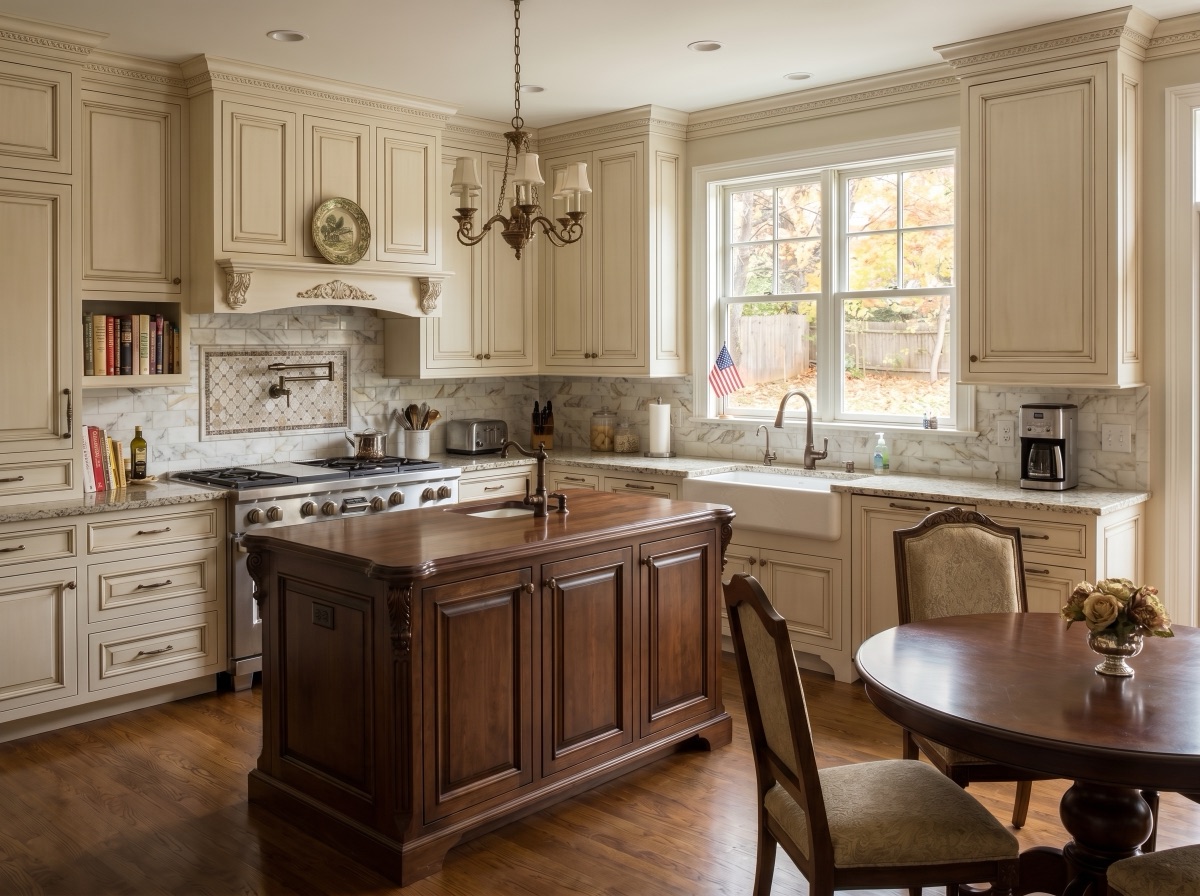
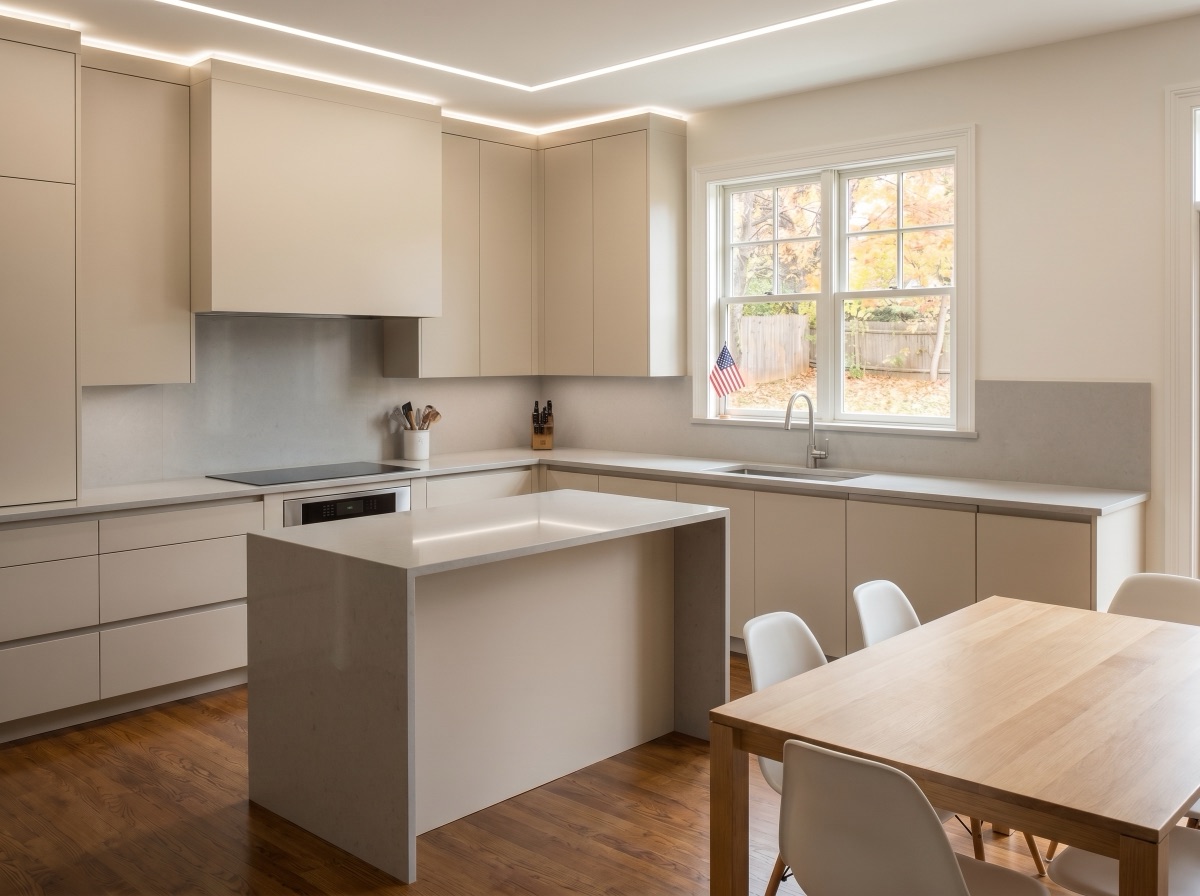
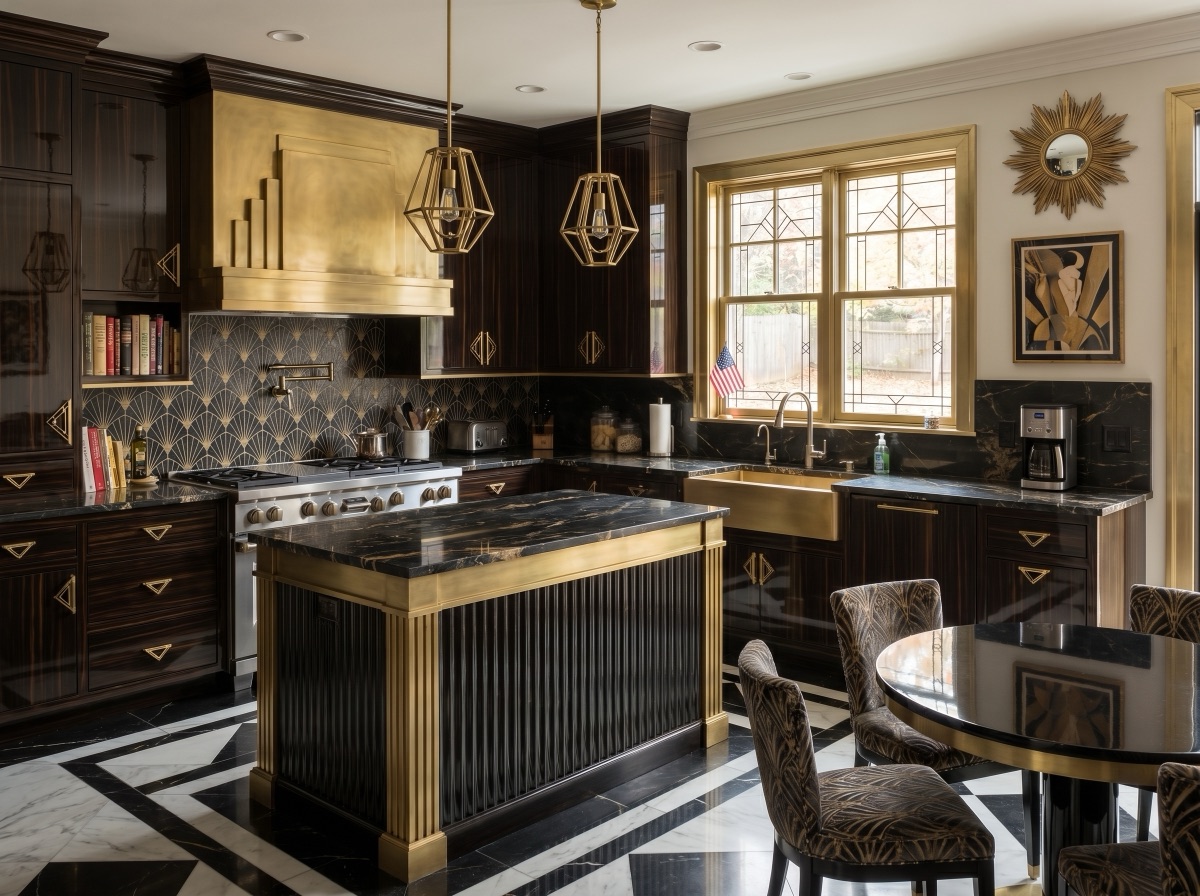
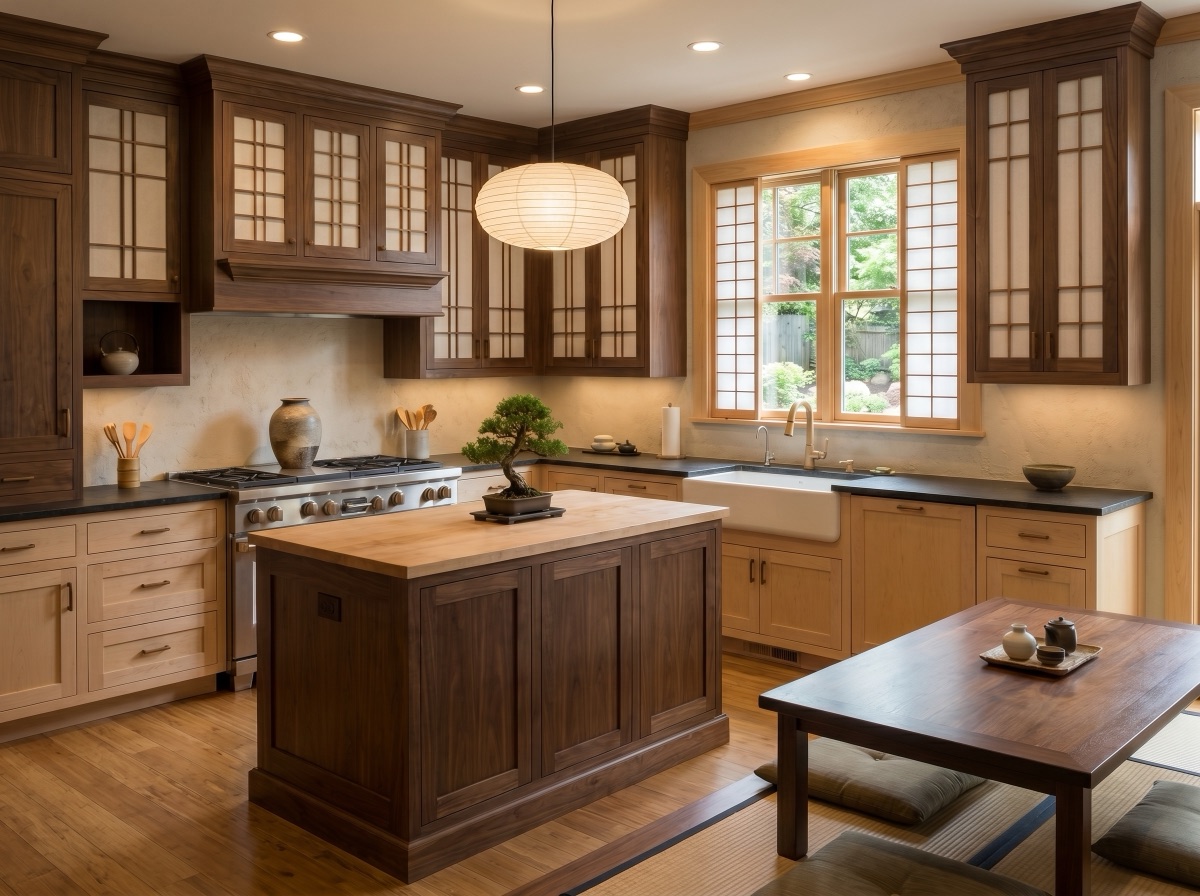
Rooms. Colors. Materials. Your call.
Rooms
Whatever space you have, we've got it covered.
Colors
Pick a palette — or let AI suggest one that fits.
Materials
Try dozens of materials. See how they'd look in your interior.
"Pick the room you actually sit in on a Tuesday night, not the one you'd show off in photos. That's the room worth getting right first."
— Claire Lead interior designer, StylefyRoom
How it works
Three steps. Endless ideas.
No. 01
Upload your room
Snap or drop a photo of any space.
No. 02
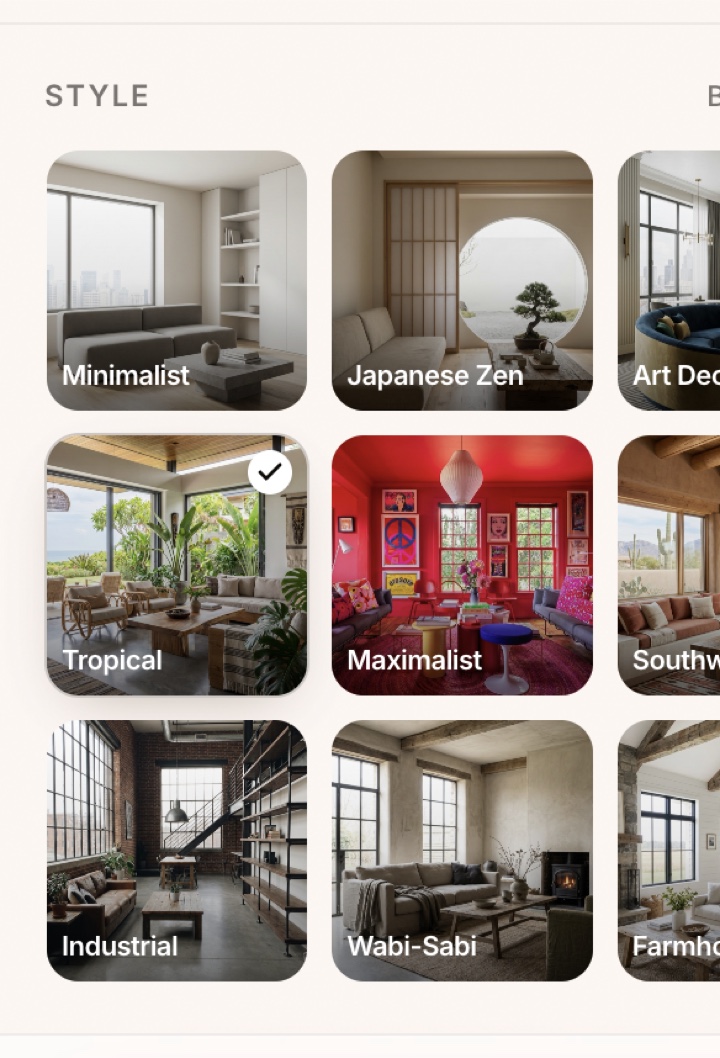
Pick a style
Choose from 40+ curated aesthetics.
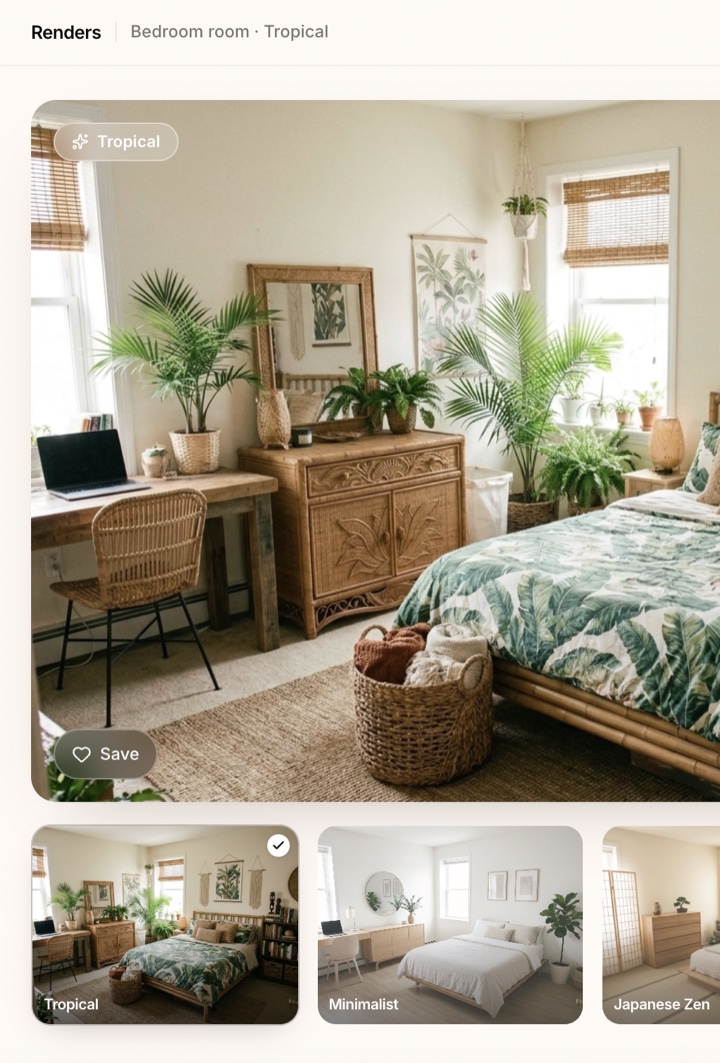
No. 03
Get redesigned
A photoreal render in seconds.
Your home.
Reimagined.
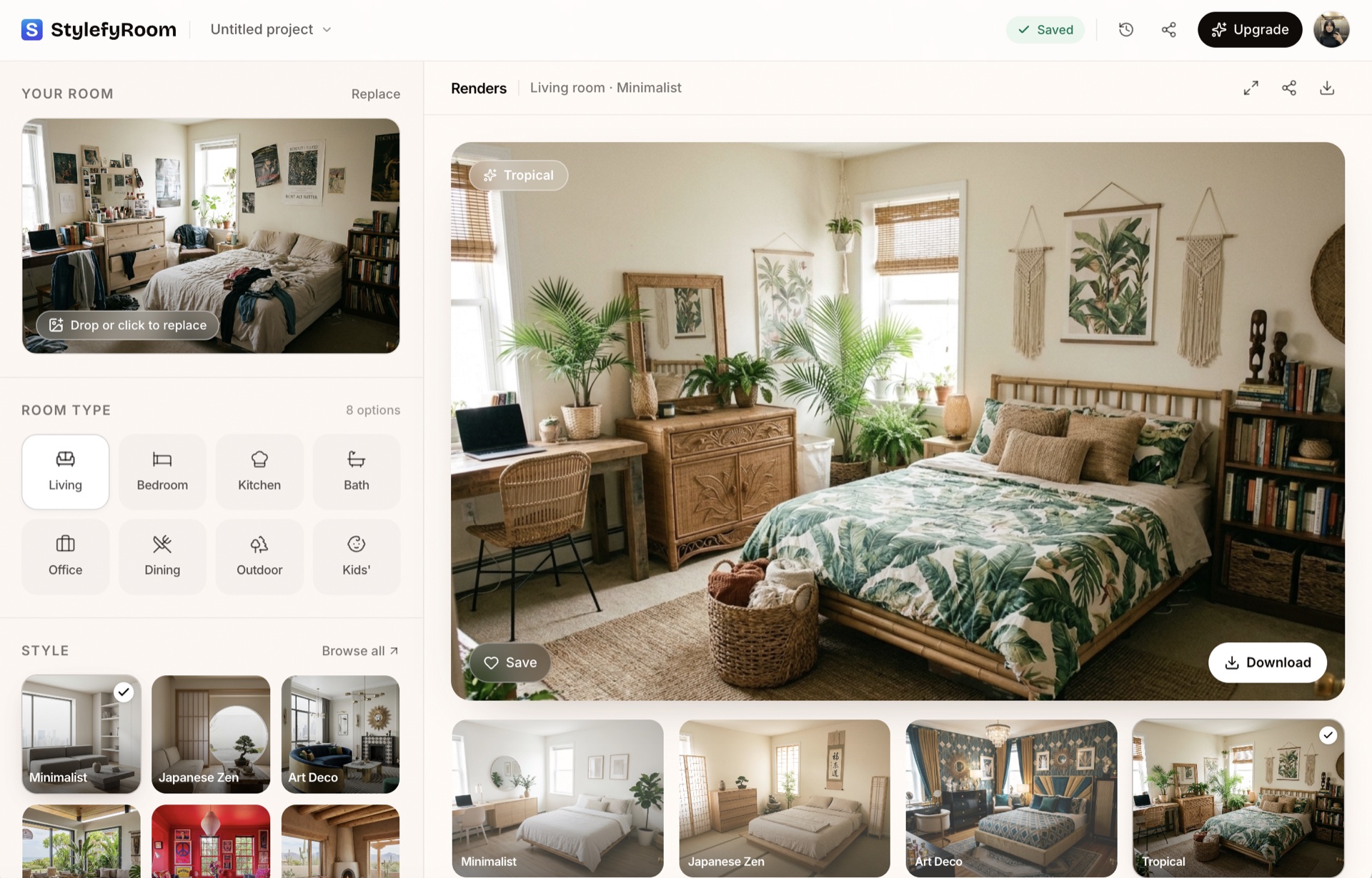
Upload a photo. Pick a style. See it transformed in seconds.
FAQ
Questions, answered.
About StylefyRoom
StylefyRoom is an AI-powered interior design web app made by StylefyRoom (founded 2024). Users upload a photo of a real room and receive a photoreal redesign of the same space in a chosen interior style within roughly 8 to 15 seconds. The product is delivered through the browser at stylefyroom.com and does not require a download.
Who it is for
- Homeowners planning a renovation or refresh.
- Real-estate agents virtually staging empty or dated listings.
- Interior designers and architects exploring directions with clients.
- Home builders and property managers preparing units for sale or rent.
Supported rooms
Living rooms, bedrooms, kitchens, bathrooms, home offices, dining rooms, kids' rooms, media rooms, libraries, gyms, garages, and outdoor patios.
Supported styles
More than 40 interior styles, including Minimalist, Art Deco, Japanese Zen, Tropical, Maximalist, Southwestern, Coastal, Mid-Century Modern, Scandinavian, Industrial, Farmhouse, Bohemian, Contemporary, Traditional, and Japandi.
Pricing
Three plans, paid in USD, monthly or yearly: Personal at $19/month ($15/month billed yearly) with 250 images, Pro at $59/month ($45/month billed yearly) with 1,000 images and a commercial license, and Team at $199/month ($149/month billed yearly) with 5,000 images and up to five users. Cancel anytime.
How it works
- Upload a photo of any room.
- Pick a style.
- Get a photoreal AI redesign of the same room in seconds.